Imagery Guidelines
Photos can be found in OneDrive here.
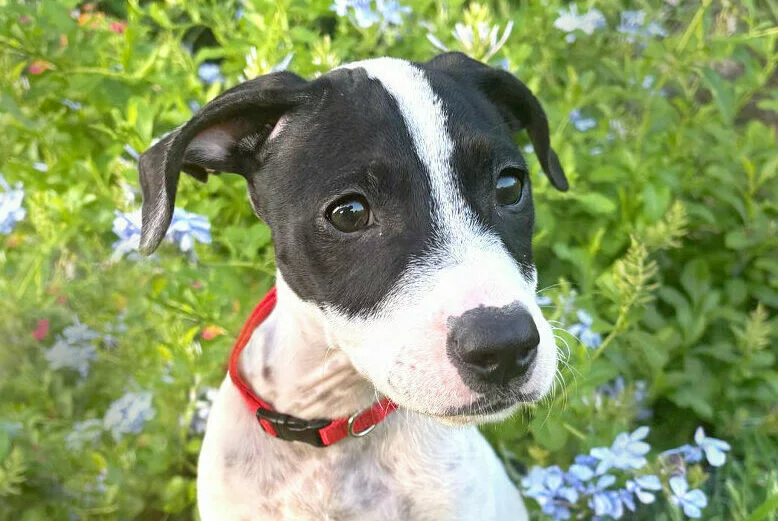
Choose engaging images. Choose photos where pets look at the camera to create an emotional connection.
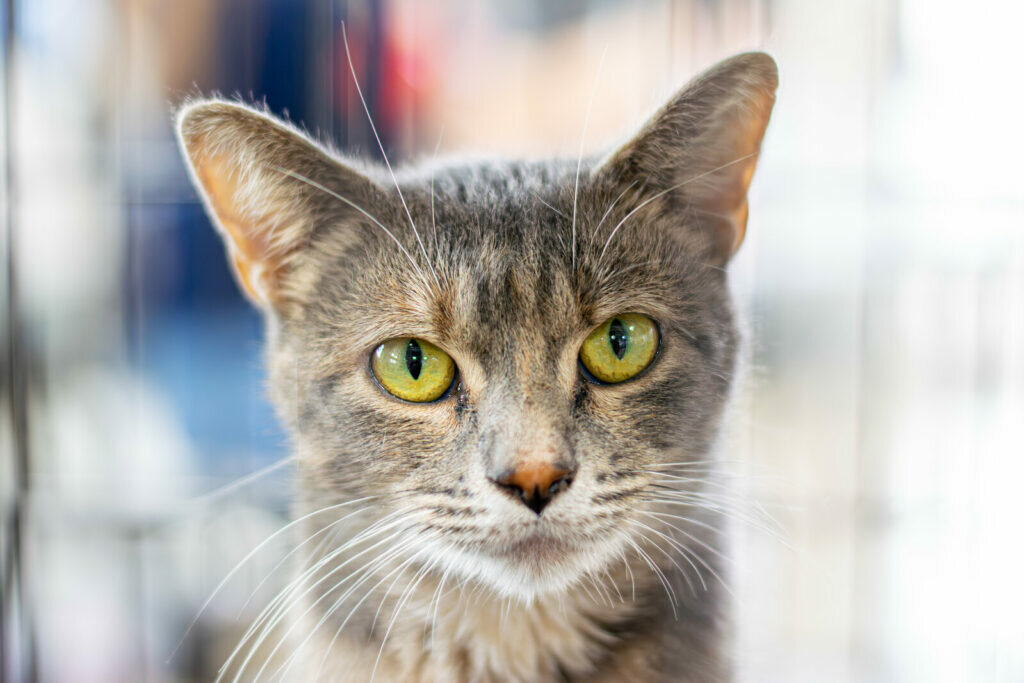 Example of a pet connecting with the camera.
Show breed diversity. Include purebreds and avoid overusing pit bull images to break shelter stereotypes.
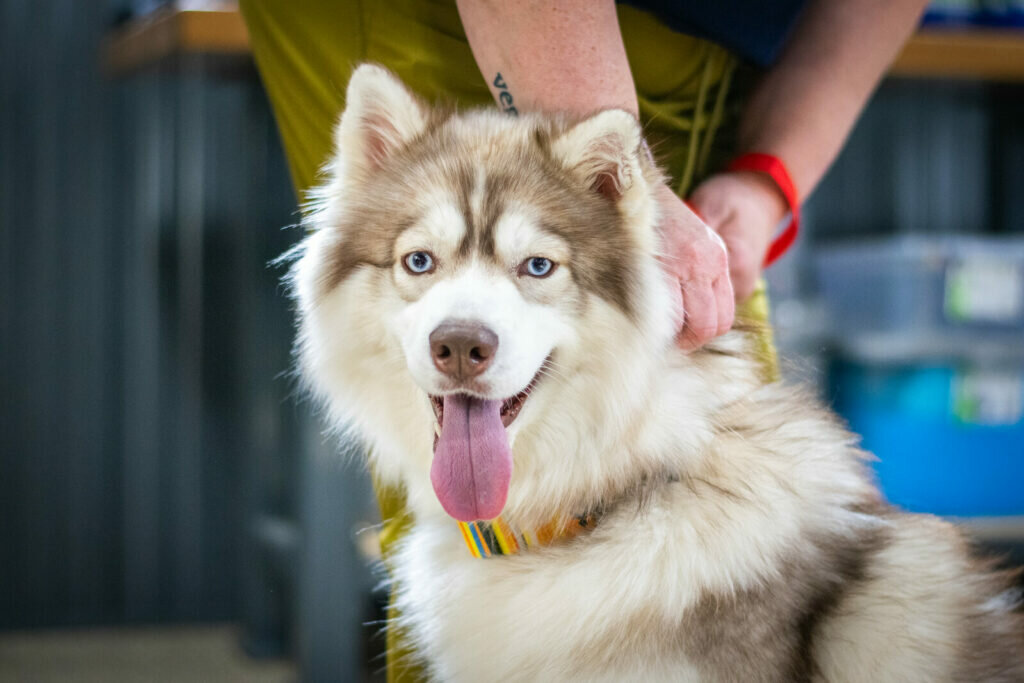 Example of a non-pit bull.
Focus on pets. Avoid photos where people are the main subject unless approved.
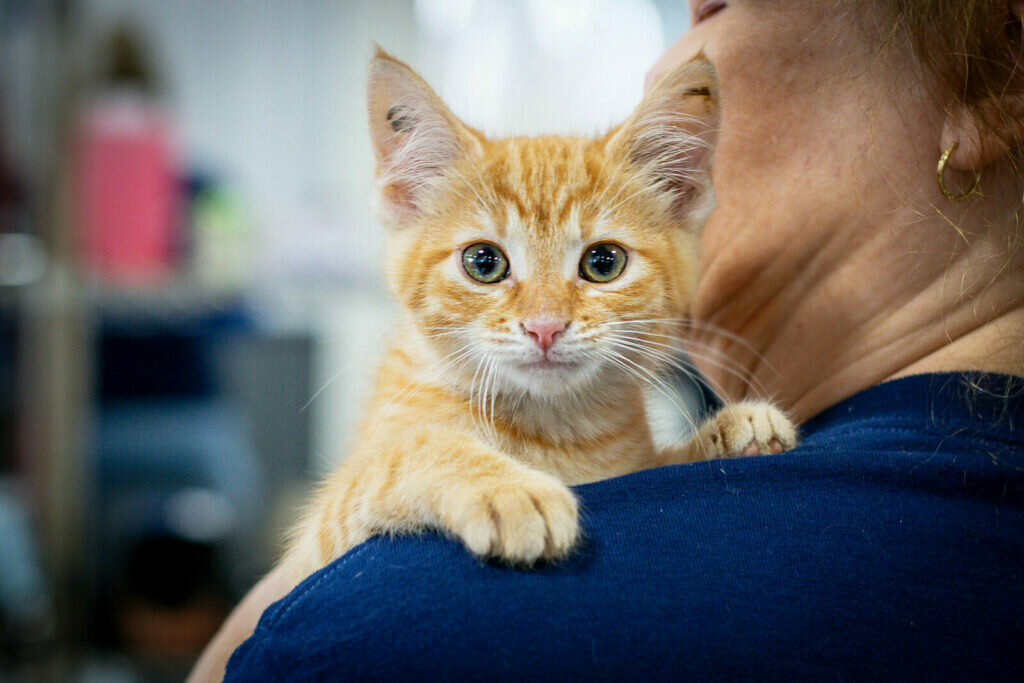 Example where the pet is the main focus, with a person still in the photo.
Limit cage imagery. Avoid photos of pets in cages or kennels unless for transport.
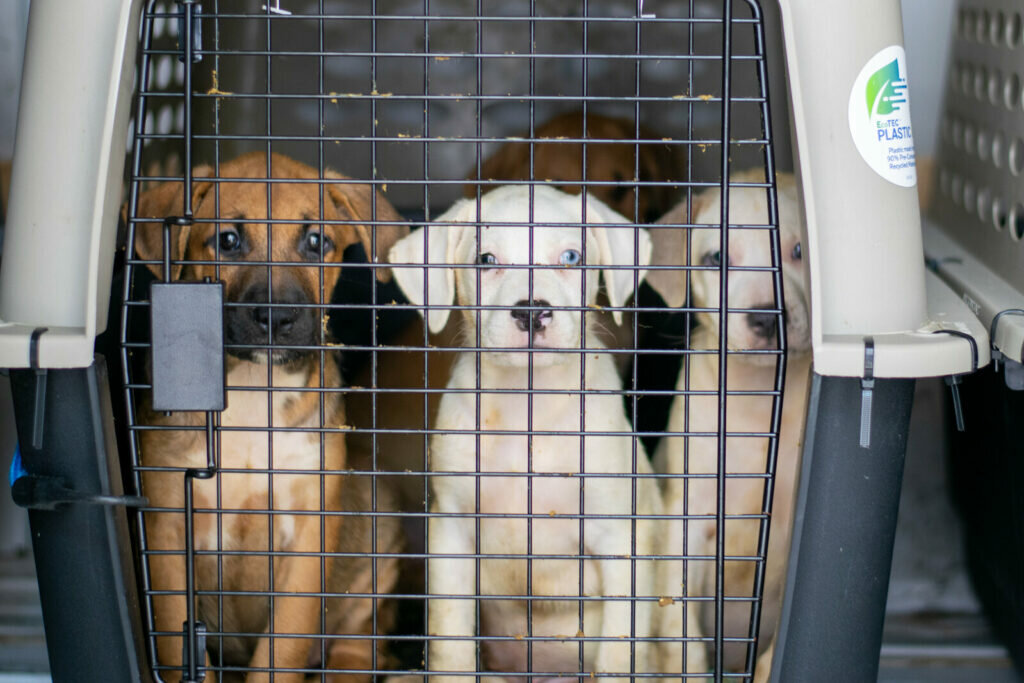 Example of a transport photo, so the cage is acceptable here.
Feature BPF branding. Keep BPF branding visible (e.g., ETS handheld flyer or background); remove all other logos or workplace identifiers.
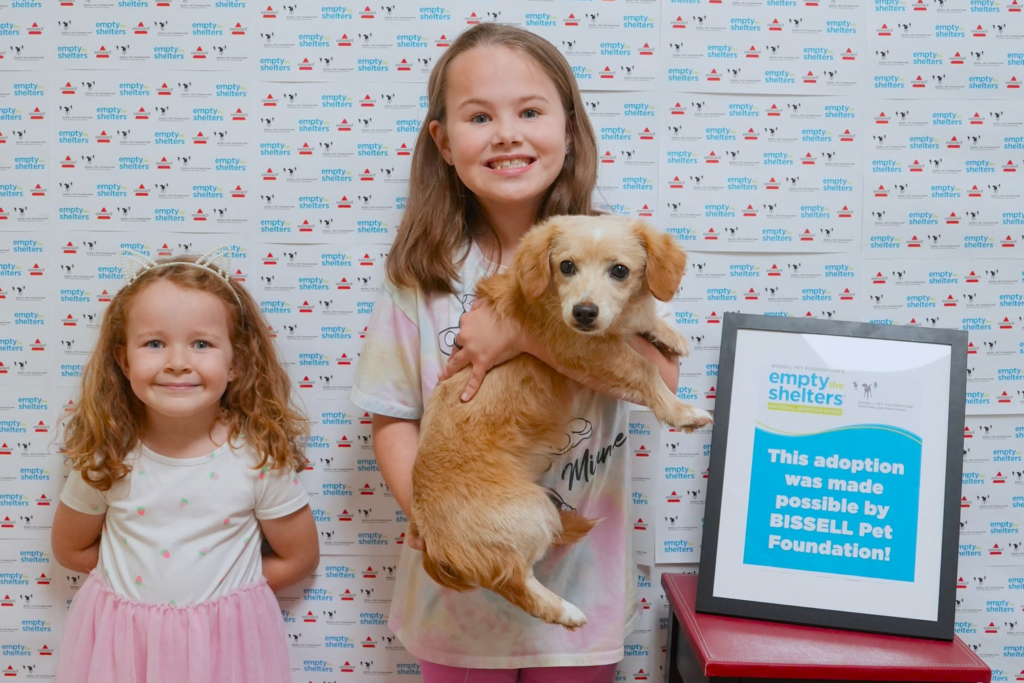 Example showing BPF branding clearly.
Be inclusive and diverse. Ensure people of all races, genders, ages, abilities, and backgrounds are represented authentically and respectfully.
 Example of a couple reflecting diversity.
Additional Imagery Guidelines
Pet Safety & Wellbeing
- Never show pets in distress, injured, or uncomfortable situations.
- Never show pets stacked on top of each other in vehicles or enclosures.
- Never show aggressive interactions between pets.
People in Photos
- Ensure a photo release flyer is visibly displayed before photographing people.
- Avoid unflattering or awkward photos of people.
Content & Editing
- Never use blurry, dark, or poorly lit photos.
- Never include overly cluttered or distracting backgrounds.
- Never use low-resolution images that appear pixelated when published.
- Adjust brightness or exposure to improve visibility in dark photos as needed, but avoid altering colors or the natural appearance of pets, people, or branding.
- Never crop out key elements, like the pet, BPF logos, or other important context.